SSH sessions in tabs and panels
Open several hosts in tabs or side-by-side panels. 13 color schemes, also per host, to tell production from staging at a glance. Quick search for hosts and commands.
Product — APDSoftware
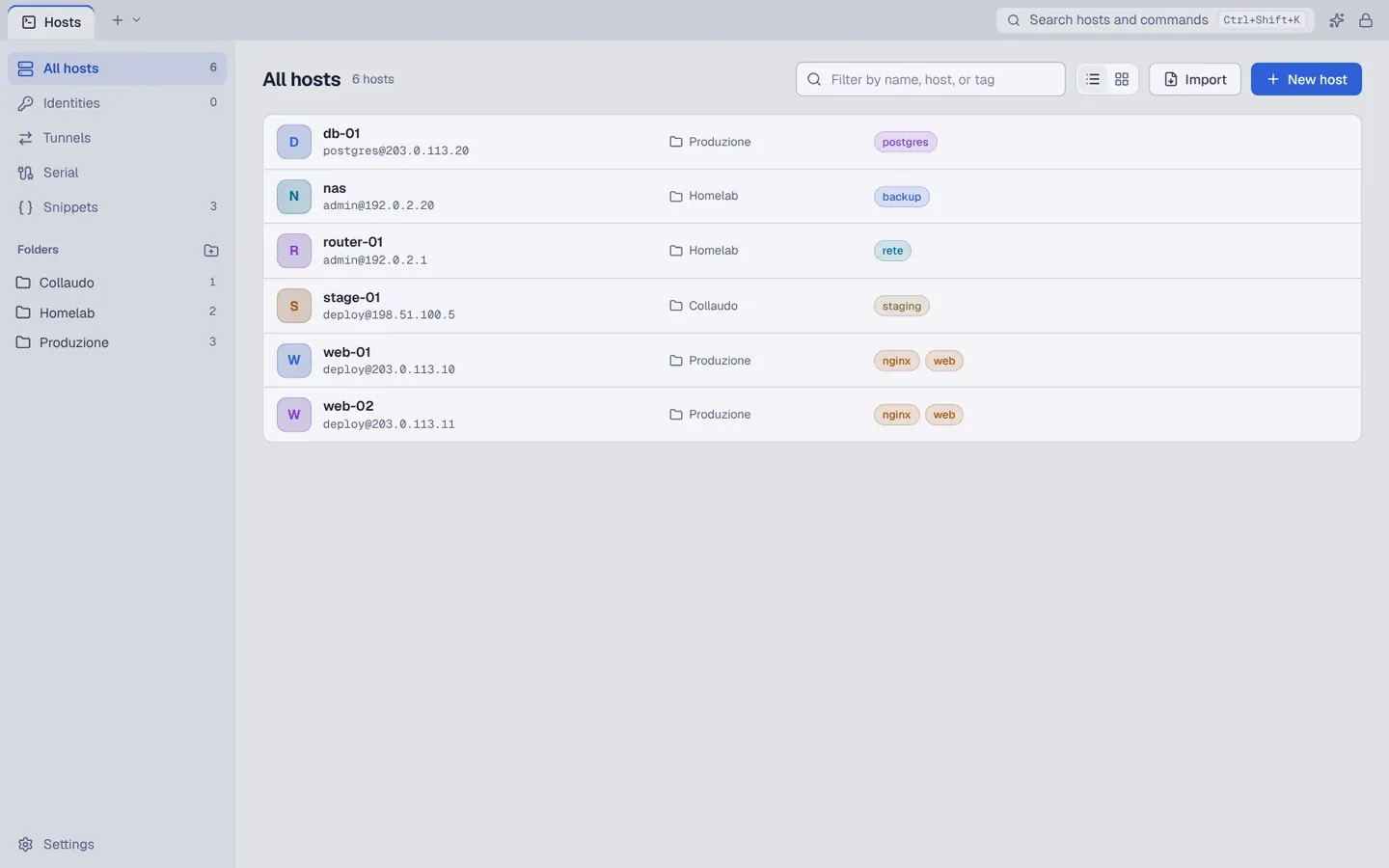
Organize your hosts, open SSH sessions and move files over SFTP without switching apps. Hosts and credentials stay in an encrypted vault on your computer.
Available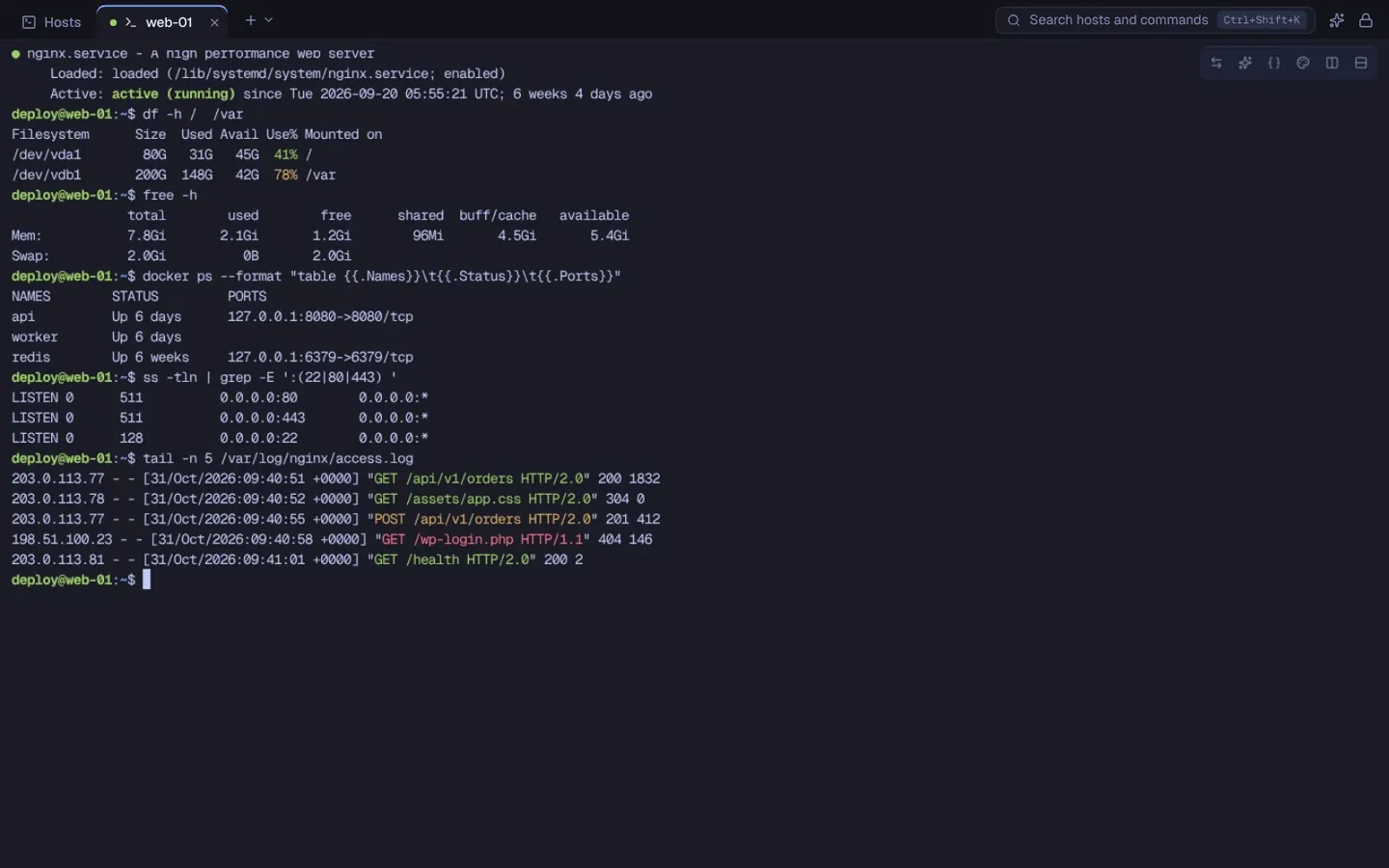
What it does
From the first command to the last file, in a single window.
Open several hosts in tabs or side-by-side panels. 13 color schemes, also per host, to tell production from staging at a glance. Quick search for hosts and commands.
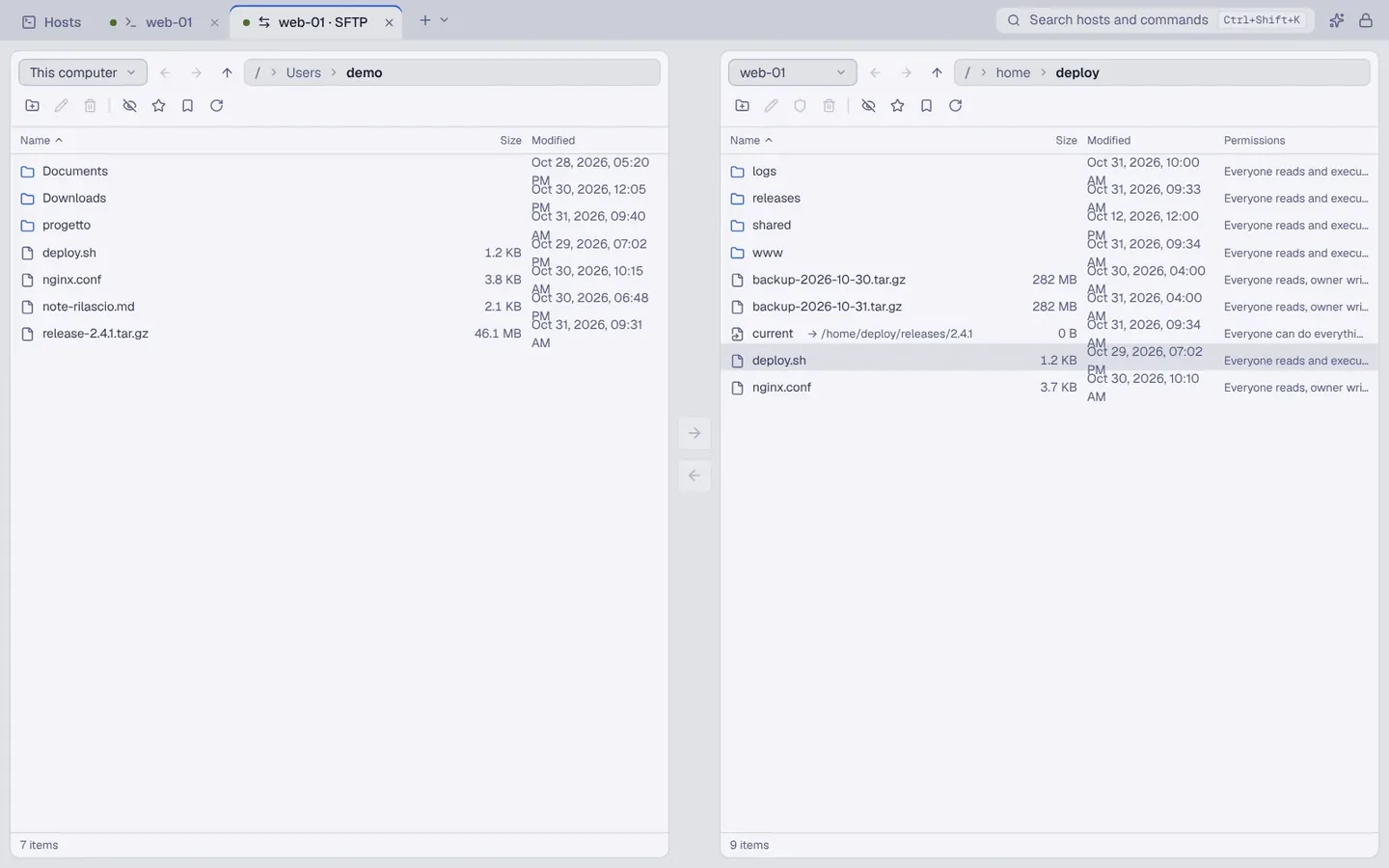
Your computer and the server side by side: drag files across, follow the queue with pause and resume, settle conflicts in a single comparison. You can also copy straight from one host to another.
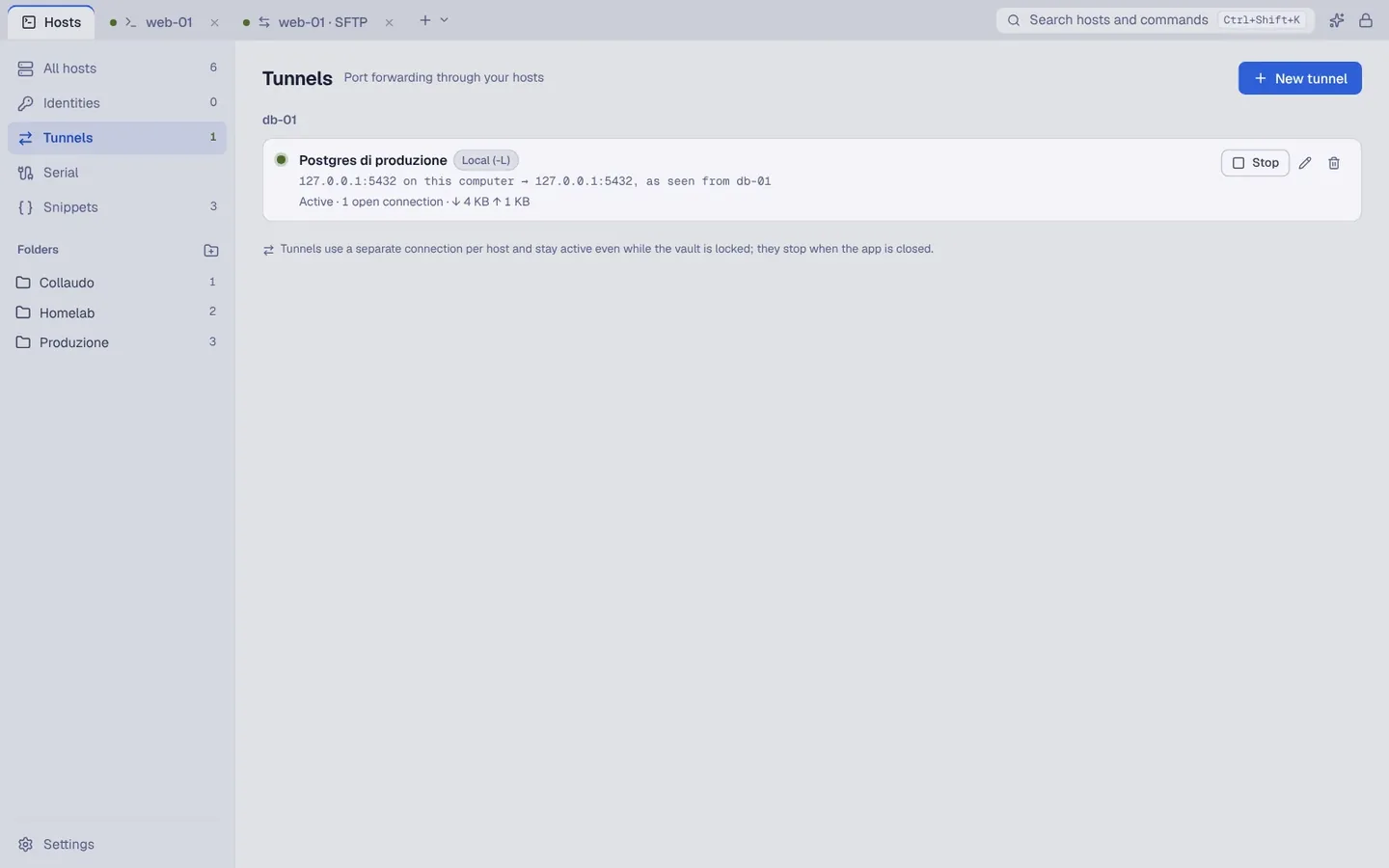
Local (-L) and remote (-R) port forwarding and a SOCKS5 proxy, started and stopped with a click, with live status.
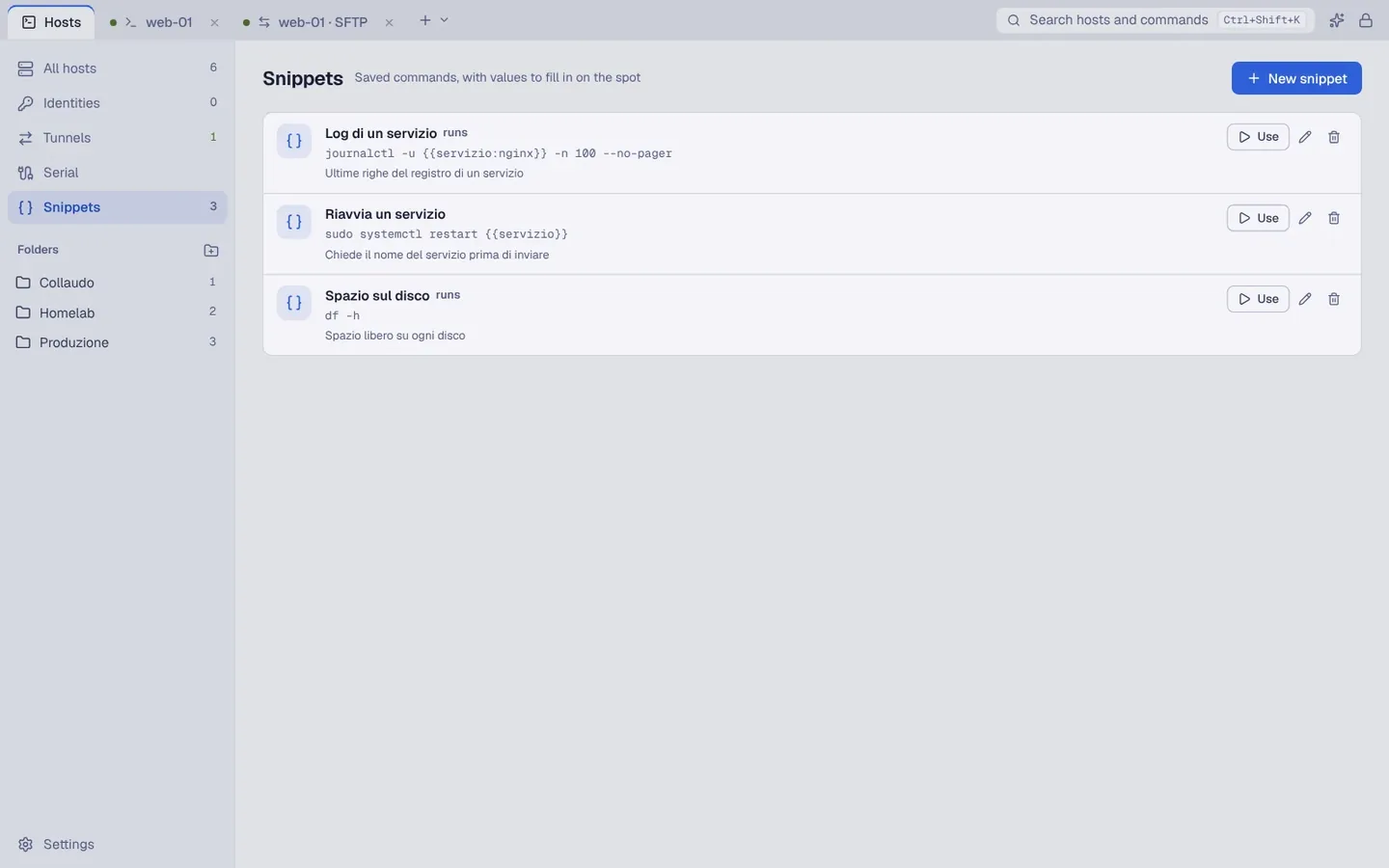
The commands you repeat often, with values to fill in on the spot and a preview of what will land in the terminal.
To configure routers, switches, boards and microcontrollers: port, speed, parity and flow control, with profiles you can save.
Off by default. Connect Ollama, LM Studio or llama.cpp on your computer; ShellEasy shows the text before every send and never runs a suggested command by itself.
In action
Your data
You don't need an APDSoftware account to use the app.
Hosts, folders, tags, credentials and keys live in an encrypted vault on your computer, protected by a Master Password that is never stored.
This version of the app sends no telemetry or automatic error reports. The shelleasy.app website is separate and has its own privacy notice.
To move your data to another computer you export an encrypted .shelleasy file and import it. There is no automatic cloud sync.
Availability
Universal: Apple Silicon and Intel. Package signed and notarized by Apple. Requires macOS 12 or later.
Installed from the Microsoft Store, which also handles updates.
.deb package for Ubuntu 24.04 or later and Debian 13.
The mobile app is coming. You'll find updates on shelleasy.app.
Frequently asked questions
Yes: the desktop version 0.1.6 is free, needs no account and sends no telemetry to APDSoftware.
Export an encrypted .shelleasy file from Settings and import it on the other device. It's a manual step: there is no continuous cloud sync.
Only if you turn the assistant on and approve the send. It is off by default and, once connected, uses a server on your own computer. No suggested command is ever run by itself.
Yes, the mobile app is coming. For now ShellEasy is available for desktop only (macOS, Windows and Linux).
ShellEasy 0.1.6 is the current public version. Some checks are still open, including the external review of the part that stores credentials: you'll find them listed plainly under “Protections and limits” on shelleasy.app.
ShellEasy is available for macOS, Windows and Linux. Before installing, check requirements, version and release notes.